
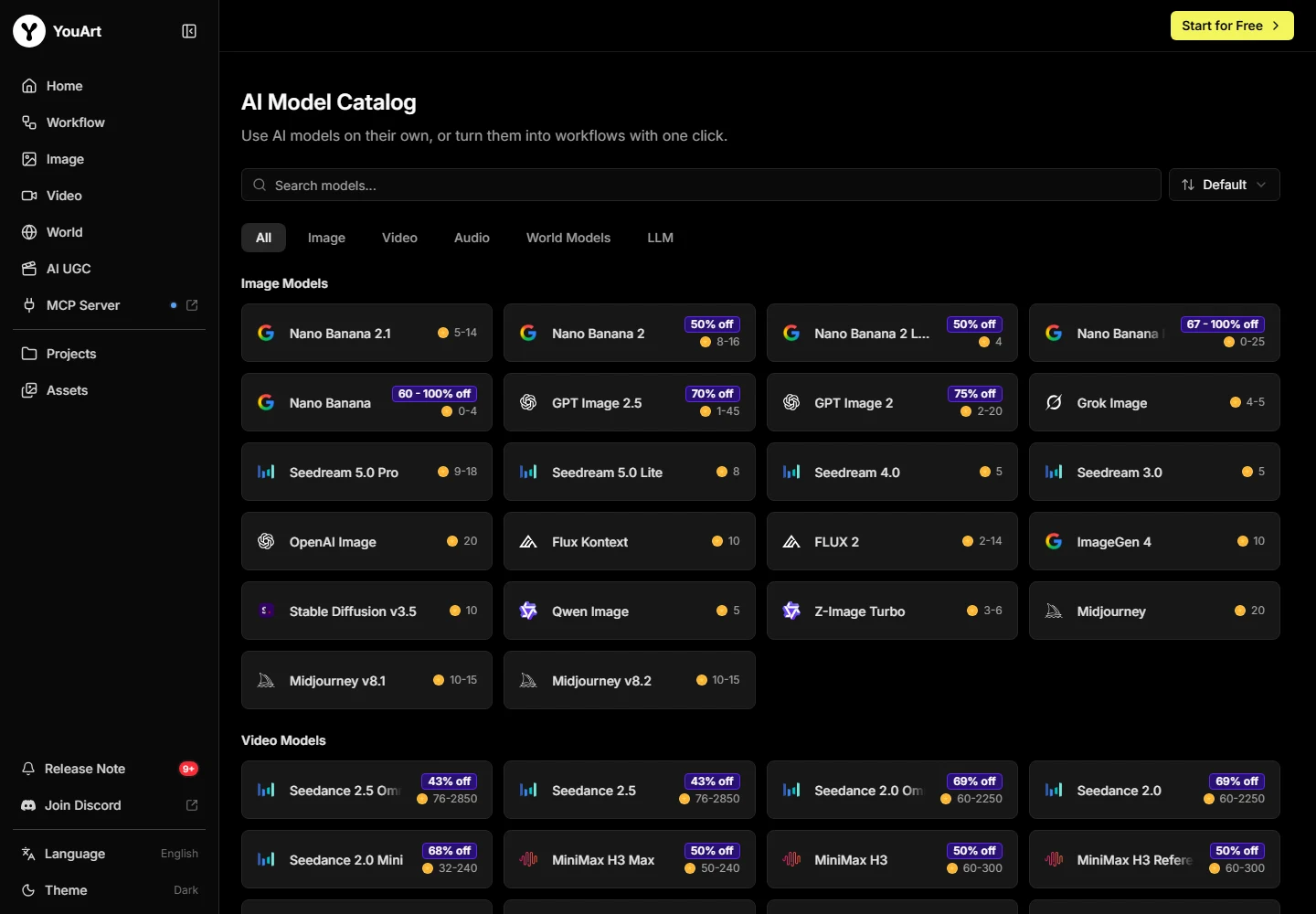
Compare a native video route with a multi-model workspace
Kuaishou’s official Kling announcements describe a video system with text, image and reference-based creation. YouArt’s catalog also lists Kling options alongside other models. The practical question is where the exact controls for your shot are available.
Native access can be the sensible choice when you depend on a particular reference or motion control. YouArt deserves a look when the same project also needs image concepts, editing steps and alternative model options on a connected canvas.
A model name does not make two offers identical
Compare the exact listed version, supported inputs, duration, resolution and audio controls. A capability announced by Kuaishou for its native product may not be exposed in the same form by a third-party workflow.
Use the native account offer for the current Kling price. The calculator leaves this amount for your own entry because a universal current price could not be established from the public source. That avoids comparing a regional promotion with a standard monthly plan.
Make motion the acceptance criterion
Use one permitted starting image and a clear movement: a slow product reveal or a single subject crossing the scene. Inspect product identity, camera direction, background stability and the ending across the full clip.
Count the complete effort required for an accepted result, including failed attempts and external editing. A single attractive demonstration is useful for exploring controls, but it cannot establish a general winner for every type of shot.
A practical decision rule
Write three non-negotiable requirements before opening either tool. Keep the same permitted references and intended output, then compare the saved deliverables rather than differently curated galleries.
Choose the service that meets those requirements within your actual budget. Keep a specialist subscription if a missing control would break the project; consolidation is useful only when it removes a cost without removing an essential capability.
Compare the broader shortlist →Check YouArt billing options →
Give the comparison one shot to solve
A useful YouArt vs Kling AI comparison starts with a specific video requirement. Choose an approved first frame and describe one camera move, one subject and the final crop. For a product reveal, write down the product details that cannot change. If audio, an ending frame or a reference type is essential, put that requirement in the brief before comparing plans.
Inspect the exact route in each service. The shared model brand does not establish identical input limits, controls, access, generation modes or price. Record the settings you can actually select, and avoid copying a capability from a native-product announcement into a third-party offer without checking it there.
Compare the accepted clip and the surrounding work
Watch both clips at normal speed, then inspect the same moments during the movement. Compare product identity, camera behavior and the ending. A convincing opening is not enough when the subject deforms halfway through the shot. Keep the rejected attempts in the record rather than comparing only the most attractive chosen clips.
Next, include the surrounding work. Did the brief need a new starting image, another reference, a sound stage or a finishing edit? A native video service can be a good purchase for a decisive video control. A multi-model canvas can be useful when the project repeatedly moves between image preparation, motion and revisions.
| Your priority | Question to settle | What to retain |
|---|---|---|
| A specific video control | Is it exposed in the exact route? | The actual settings used |
| Several campaign stages | Can references and accepted steps stay connected? | The project structure |
| A predictable commitment | What did every attempt and finishing step cost? | The complete usage record |
Choose the route that solves your recurring job
Our team would keep the native route when a required video setting decides whether a shot can be delivered. We would give YouArt a closer look when image concepts, alternative routes and editable campaign stages form a substantial part of the same project. The decision should reflect the work you repeat, not one shared model name.
Use your actual native-account offer for the price comparison, and confirm the selected YouArt operation’s estimate. A regional promotion or account-specific price is not a universal monthly rate. Save the accepted clip, export details and relevant terms before making a longer subscription commitment.
Frequently asked questions
Is YouArt better than Kling AI?
Our recommendation depends on the job: choose around the required controls, export requirements and total cost of a finished project. The product-specific sections above explain where each route fits.
Do matching model names mean identical access?
No. Versions, settings, limits and entitlements can differ between a native product and a model offered through another workspace.
Can I compare credits and tokens directly?
No. Each service defines its own units. Compare the cost and effort for accepted work using a matched brief.
Should I keep both subscriptions?
Keep both only when each solves a separate requirement you use. Add the full monthly commitments before assuming consolidation will save money.
What should I check before switching?
Verify the required controls, exports, rights, privacy, revision effort and total commitment using a representative project.