
The difference is the workflow, not simply images versus video
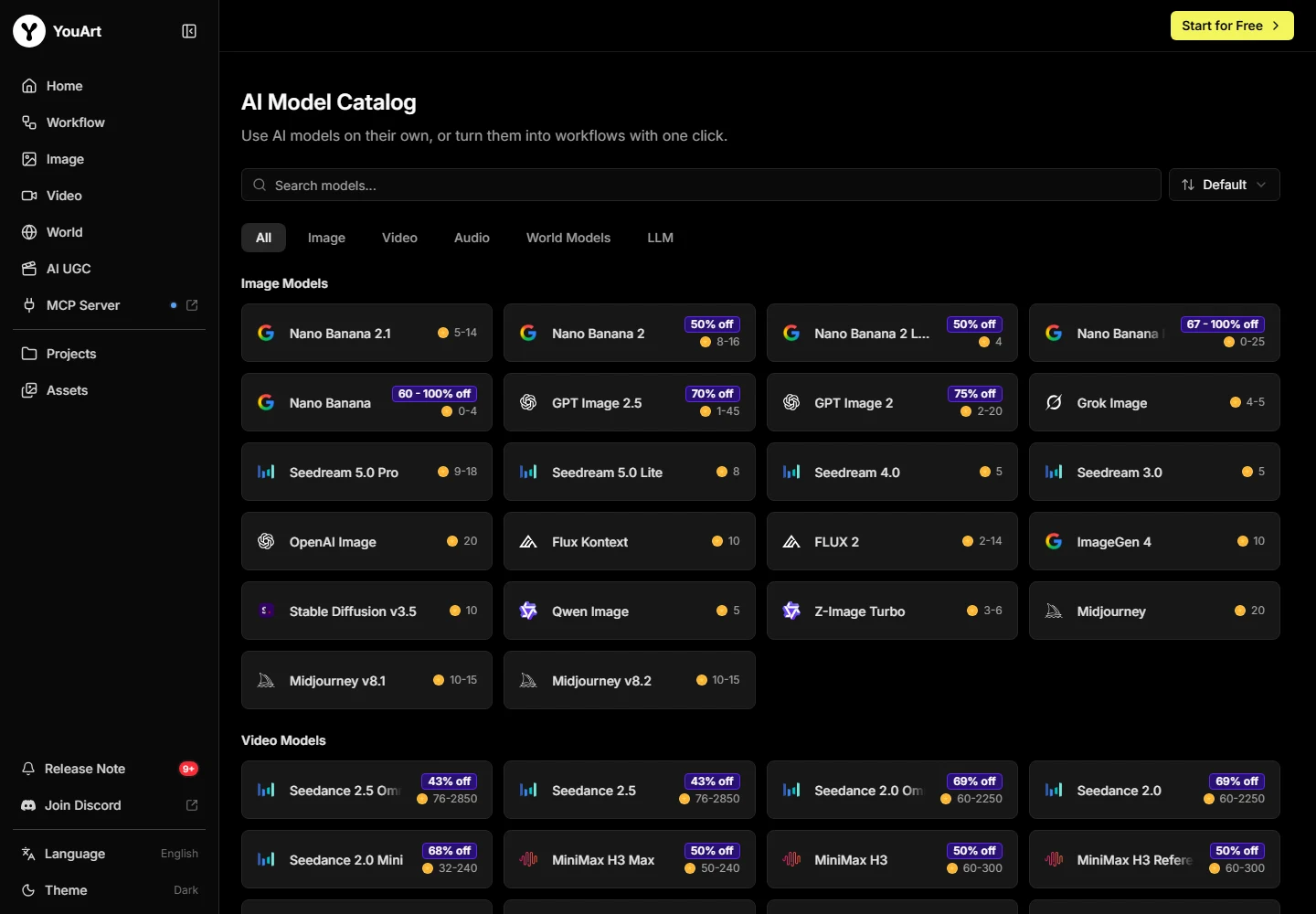
Midjourney documents both image creation and image-to-video generation. YouArt combines multiple listed model options with a connected canvas and agent assistance. The comparison is therefore about the environment and controls that suit your project, rather than one service having video and the other having none.
Shortlist Midjourney when its creation workflow and visual direction already match your deliverables. Shortlist YouArt when you need to connect several types of operations and want to inspect them as a project.
Compare the commitment and the allowance
Midjourney Basic is listed at $10 per month, or $96 per year. YouArt Basic is listed at $9.99 monthly, with a $7.99 annual monthly equivalent. These entry prices are close; neither establishes equal output capacity.
Midjourney describes GPU time and generation modes. YouArt describes credits and operation estimates. Keep those units separate, and include rejected attempts when comparing the cost of your actual image-and-motion brief.
Privacy and generation modes can decide the purchase
Midjourney’s documentation places Stealth Mode on Pro and Mega, and sets different Relax Mode conditions for images and video. A cheaper plan can therefore miss a requirement that matters to a client job.
Review the privacy and output requirements in both services before uploading sensitive material. A matching catalog label inside another platform should not be treated as a promise of the native product’s complete feature set.
A practical decision rule
Write three non-negotiable requirements before opening either tool. Keep the same permitted references and intended output, then compare the saved deliverables rather than differently curated galleries.
Choose the service that meets those requirements within your actual budget. Keep a specialist subscription if a missing control would break the project; consolidation is useful only when it removes a cost without removing an essential capability.
Compare the broader shortlist →Check YouArt billing options →
Use a three-deliverable brief for the comparison
For a useful YouArt vs Midjourney decision, compare a campaign rather than two attractive thumbnails. Ask for one approved product image, one alternate composition and one short reveal. Use the same permitted reference and preserve the real silhouette, material and included parts. Choose the final crop and lettering requirements before either service produces a result.
Record what happened between the first request and the accepted delivery. A strong image may still require a separate composition edit, an additional video step or a specialist finishing tool. Count those handoffs alongside the subscription price. The comparison becomes practical when you can identify which service completed the work you actually needed.
Separate creative preference from a hard requirement
If Midjourney’s creative environment already gives your work a recognizable direction, that is a reason to keep it in the shortlist. If your recurring difficulty is arranging references, different creative stages and later revisions, YouArt’s connected process addresses another part of the job. Those strengths are related, but they are not interchangeable.
Make a two-column requirement list. Put required privacy, delivery format and generation modes in the first column. Put preferred aesthetics, workflow familiarity and convenience in the second. Eliminate an offer that fails a genuine requirement before comparing the preferences. A tool with the most convenient canvas still has to meet the delivery brief.
| Decision | Record for both services | Why it matters |
|---|---|---|
| Image direction | Accepted frame and reason for choosing it | Personal preference becomes explicit |
| Motion stage | Available input, settings and final clip | An image subscription may not cover the same video work |
| Full commitment | Subscription, attempts and finishing | Entry prices alone miss the actual workflow |
Our recommendation for switching
Keep Midjourney when its creative direction, access modes and required controls are central to your work. Shortlist YouArt when the project benefits from several connected image-and-video stages and a visible place to revise each one. Complete the representative brief before cancelling the service that currently delivers your client files.
Save the accepted assets and the route used to make them. Revisit the decision when your workload changes, rather than treating one campaign as proof that every future project belongs in the same subscription. This YouArt vs Midjourney comparison is a selection guide, not a measured claim that one model always produces better images.
Frequently asked questions
Is YouArt better than Midjourney?
Our recommendation depends on the job: choose around the required controls, export requirements and total cost of a finished project. The product-specific sections above explain where each route fits.
Do matching model names mean identical access?
No. Versions, settings, limits and entitlements can differ between a native product and a model offered through another workspace.
Can I compare credits and tokens directly?
No. Each service defines its own units. Compare the cost and effort for accepted work using a matched brief.
Should I keep both subscriptions?
Keep both only when each solves a separate requirement you use. Add the full monthly commitments before assuming consolidation will save money.
What should I check before switching?
Verify the required controls, exports, rights, privacy, revision effort and total commitment using a representative project.