
Choose around the part of production you repeat
OpenArt offers image and video generators, Character Builder and Director. Our team would start with Character Builder when the brief calls for the same person or mascot to return in several settings. A useful first exercise is to keep the outfit and silhouette fixed while varying the pose, background and camera angle.
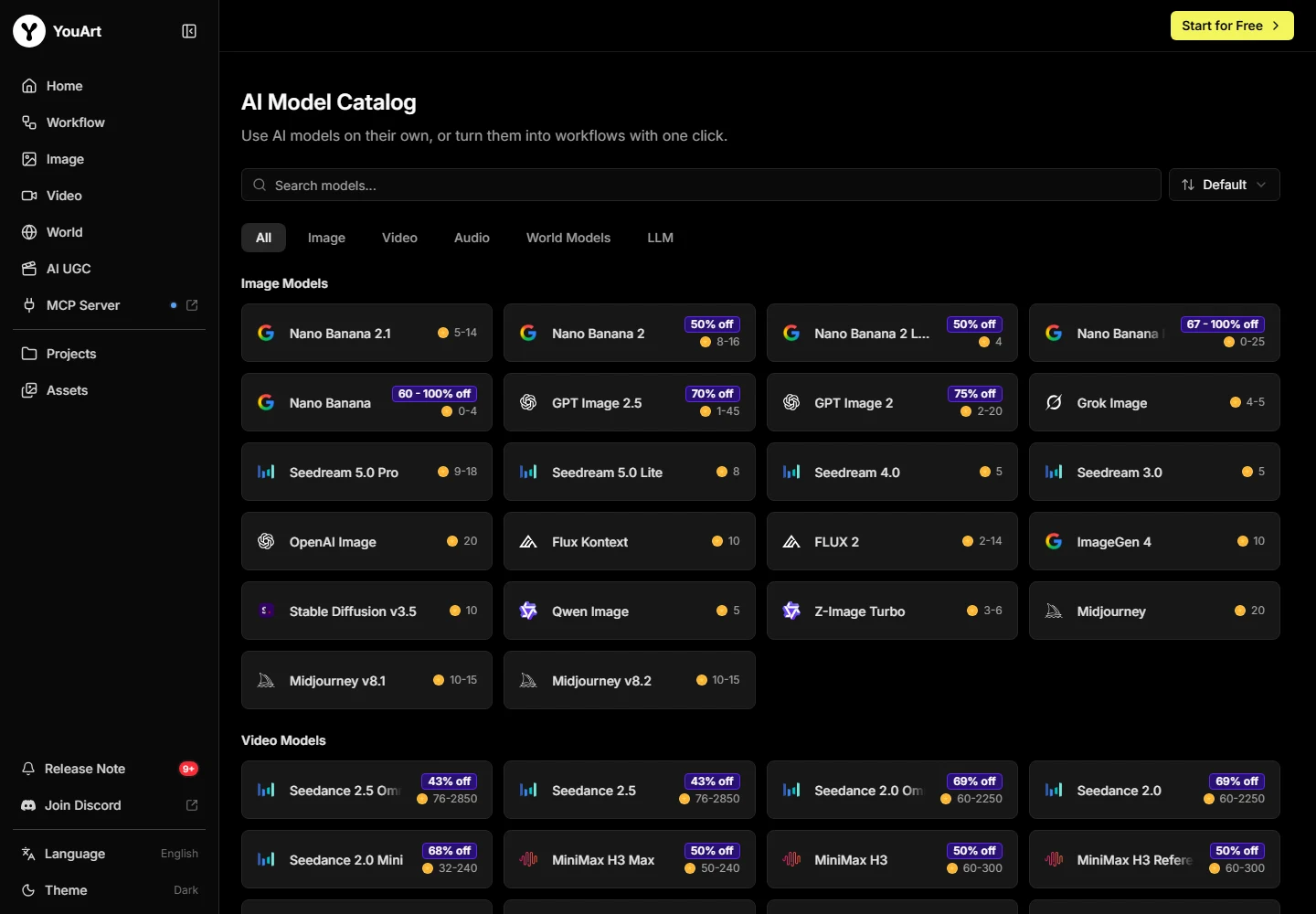
We would start with YouArt when a campaign needs related stills and clips from shared references. The connected canvas gives the team a place to keep those references, chosen images and individual generation steps together. That setup is especially useful when a client approves an image before asking for a motion treatment.
Compare Director with building the shots yourself
OpenArt’s Director presents a brief-to-video workflow for projects including product ads. We would consider it for a first cut when the story is clear and the main work is deciding how the shots fit together. Check how you can revise an individual scene, whether you can keep an approved shot, and what you can export for final edits.
YouArt’s workflow suits a brief where the key image or a product detail has to be approved before you spend credits on motion. Start with the still, save the accepted version and pass it to the video step. If the clip needs another take, record what changed and keep the approved still available.
Budget for approved assets and revisions
Both services use credits, and each sets its own costs for models and operations. Compare the actual billing period, total charge and included allowance on the plans you would buy. Review the cost for the resolution and duration you need, including additional attempts after a revision request.
For a recurring campaign, divide the project spend by the assets you can deliver. An extra generation can be worth the cost if it saves a round of manual editing. Track that editing time alongside credit usage so the subscription decision reflects the full workflow.
A practical decision rule
Write three non-negotiable requirements before opening either tool. Keep the same permitted references and intended output, then compare the saved deliverables rather than differently curated galleries.
Choose the service that meets those requirements within your actual budget. Keep a specialist subscription if a missing control would break the project; consolidation is useful only when it removes a cost without removing an essential capability.
Compare the broader shortlist →Check YouArt billing options →
Give both tools the same two-shot brief
For this YouArt vs OpenArt comparison, use a fictional skincare brand and a character you have permission to use. Ask for a portrait-format product still and two short clips. In the first clip, the character picks up the jar. In the second, the character holds it beside their face while the camera moves closer. Keep the wardrobe, lighting direction and jar reference identical across both clips.
Pick the details you will check before you generate. For the character, look at the hairline, outfit and face as the head turns. For the jar, check the cap color, proportions and the position of the label. If the ad requires exact label text, plan a finishing pass and include it in the comparison. Review the transitions as well as the first frame, especially where the hand meets the product.
Change one shot after approval
Once you have a cut you would send for review, change the brief. Keep the first shot and revise the second to end with more empty space for an offer. Log which steps you need to repeat and how easily you can recover the approved version. A clean revision matters if you make several variations from the same campaign assets.
Record which model and settings produced each clip, the credits spent across all attempts, and any editing done after export. Check the final aspect ratio on a phone. Leave room around the product for captions and playback controls. If you need to create a second aspect ratio for another placement, add that version to the brief before comparing subscriptions.
| Requirement | What to compare | Decision signal |
|---|---|---|
| Recurring character | Face and wardrobe across both clips | Viewers can recognize the subject |
| Product detail | Jar shape and label placement | The product matches the reference |
| Client revision | Changes to the second shot | The first shot stays approved |
| Monthly workload | Credits and finishing time across accepted versions | The allowance fits recurring work |
Which would our team shortlist?
We would shortlist OpenArt when a recurring character or a brief-to-video first cut is the main reason for buying. We would shortlist YouArt when the team already approves images before animating them and wants the stills, references and motion steps together on a canvas. For a product campaign, the ability to revisit one approved asset can matter as much as the range of models on offer.
Before moving a recurring project, keep one set of exports and record the time from reference upload to a client-ready version. Check the terms that apply to the source material and the finished files. That gives you a repeatable basis for deciding which subscription to keep when the next brief arrives.
Frequently asked questions
Is YouArt better than OpenArt?
Our recommendation depends on the job: choose around the required controls, export requirements and total cost of a finished project. The product-specific sections above explain where each route fits.
Do matching model names mean identical access?
No. Versions, settings, limits and entitlements can differ between a native product and a model offered through another workspace.
Can I compare credits and tokens directly?
No. Each service defines its own units. Compare the cost and effort for accepted work using a matched brief.
Should I keep both subscriptions?
Keep both only when each solves a separate requirement you use. Add the full monthly commitments before assuming consolidation will save money.
What should I check before switching?
Verify the required controls, exports, rights, privacy, revision effort and total commitment using a representative project.